
Categories
Browse Kakobuy Finds by the Decision the Product Requires
A useful category does more than group similar pictures.
It tells you which decision matters most before you order.
Fit-sensitive
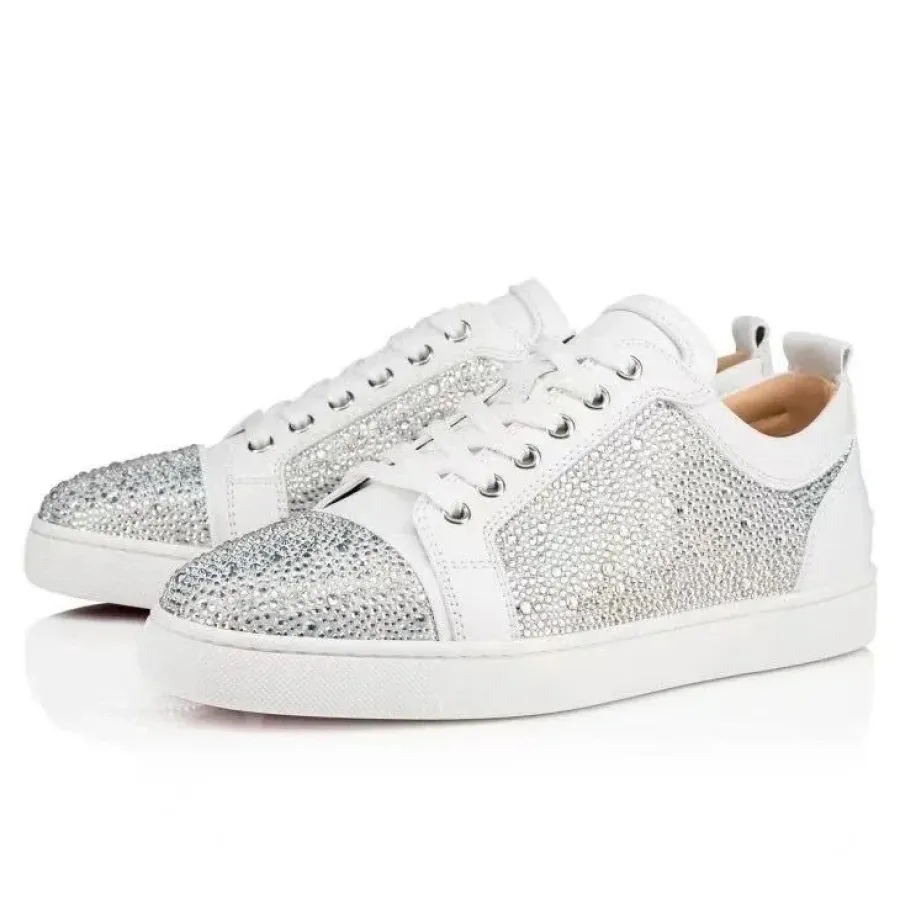
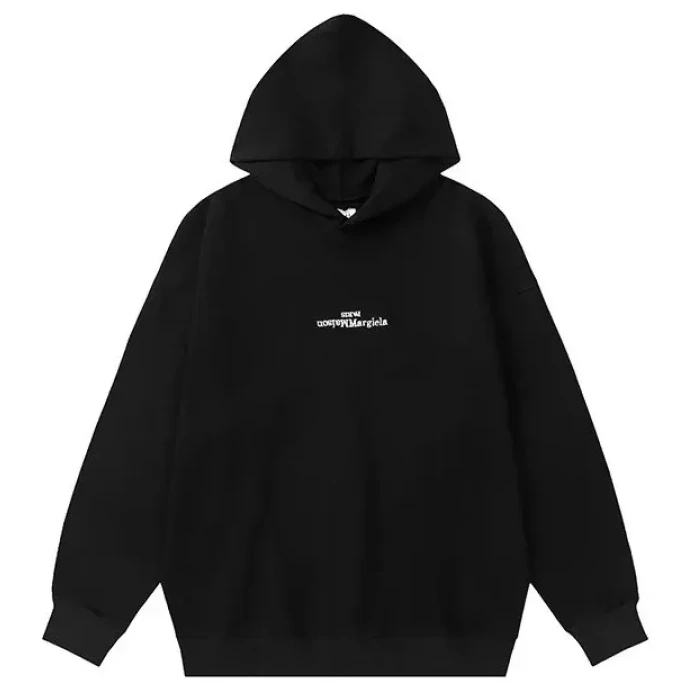
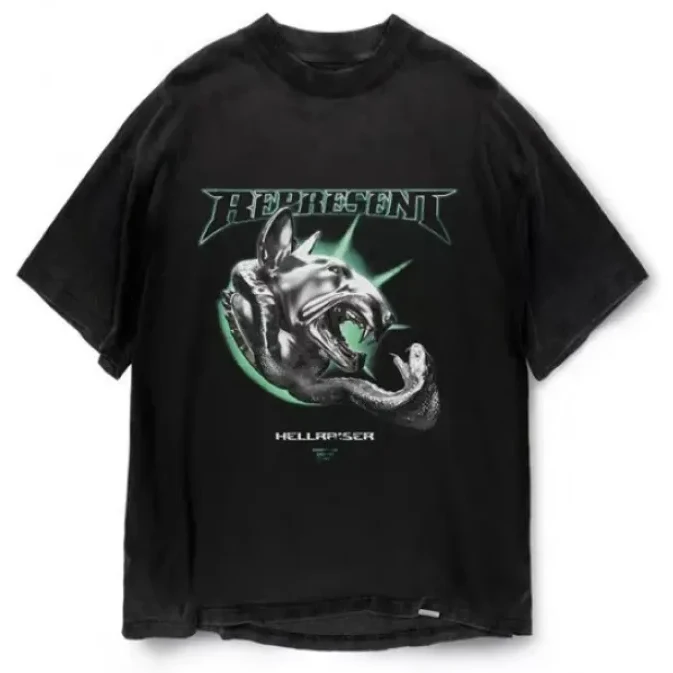
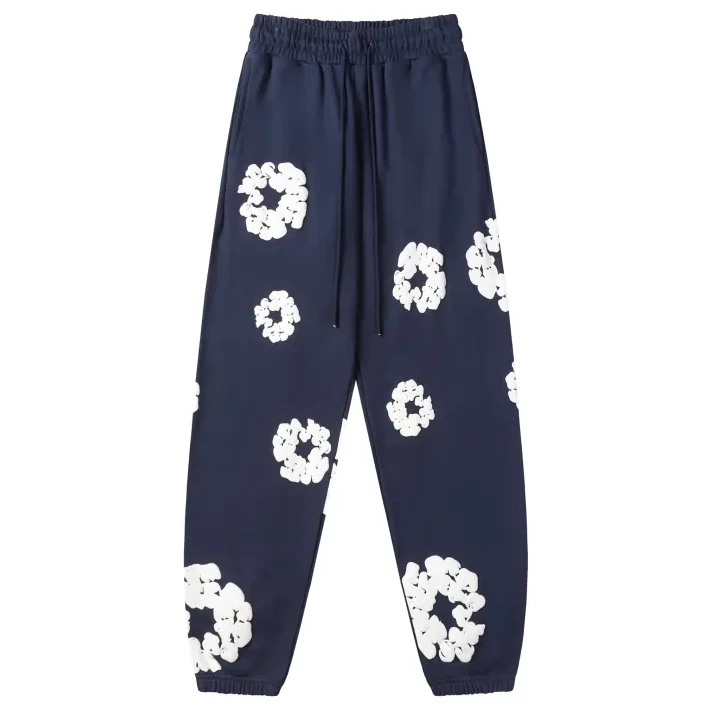
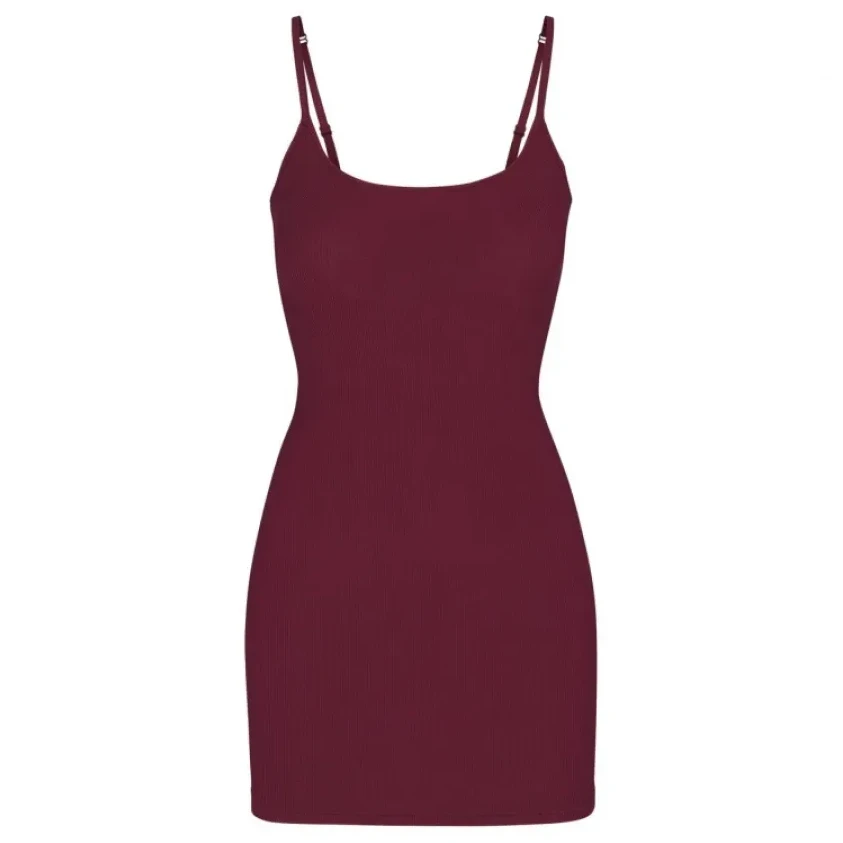
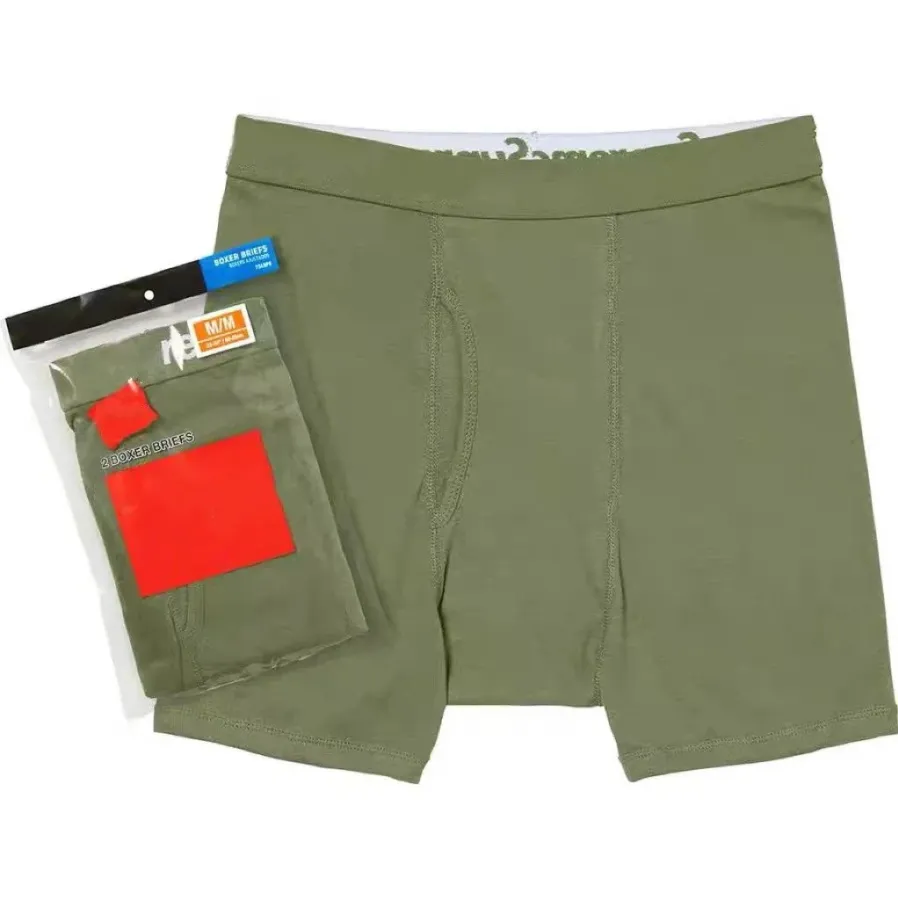
Construction-sensitive
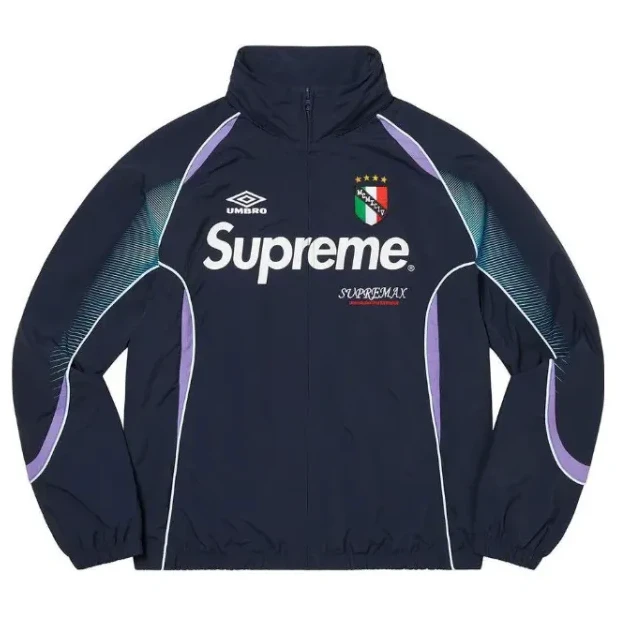
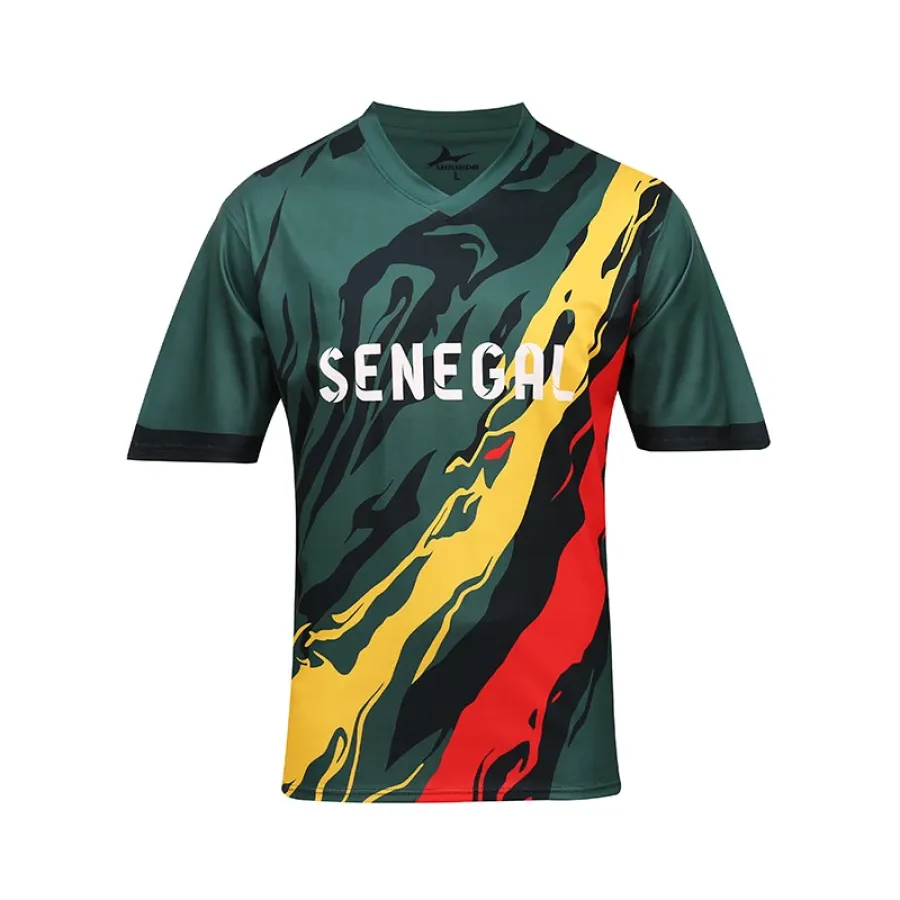
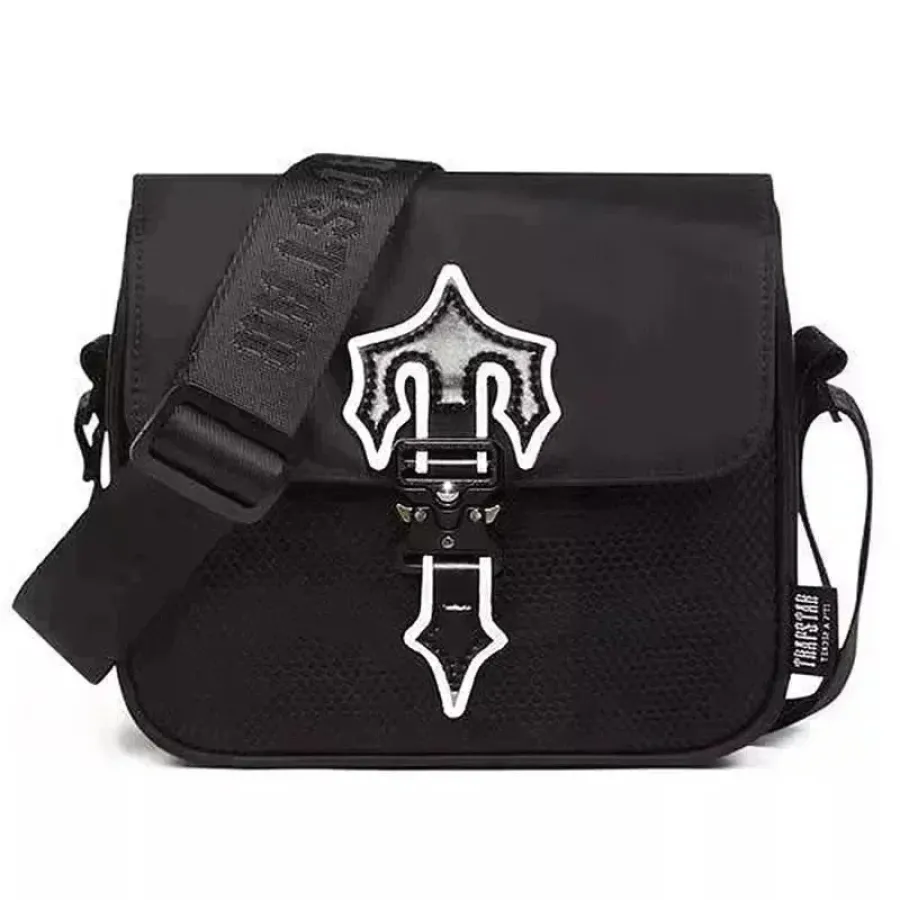
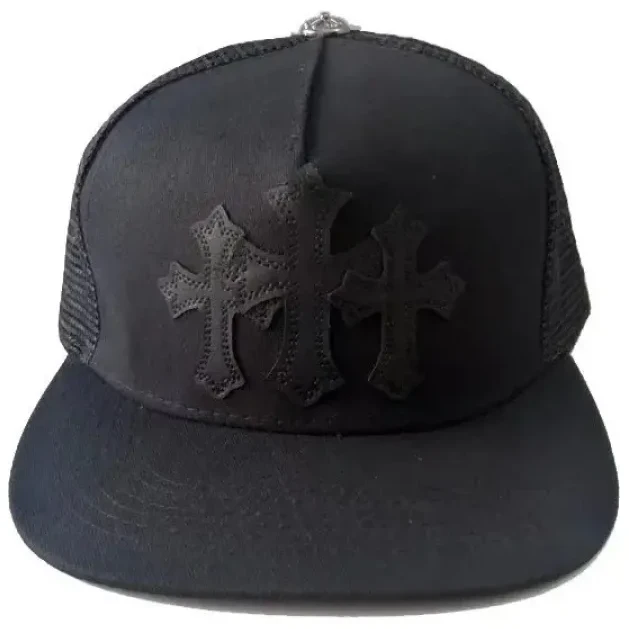
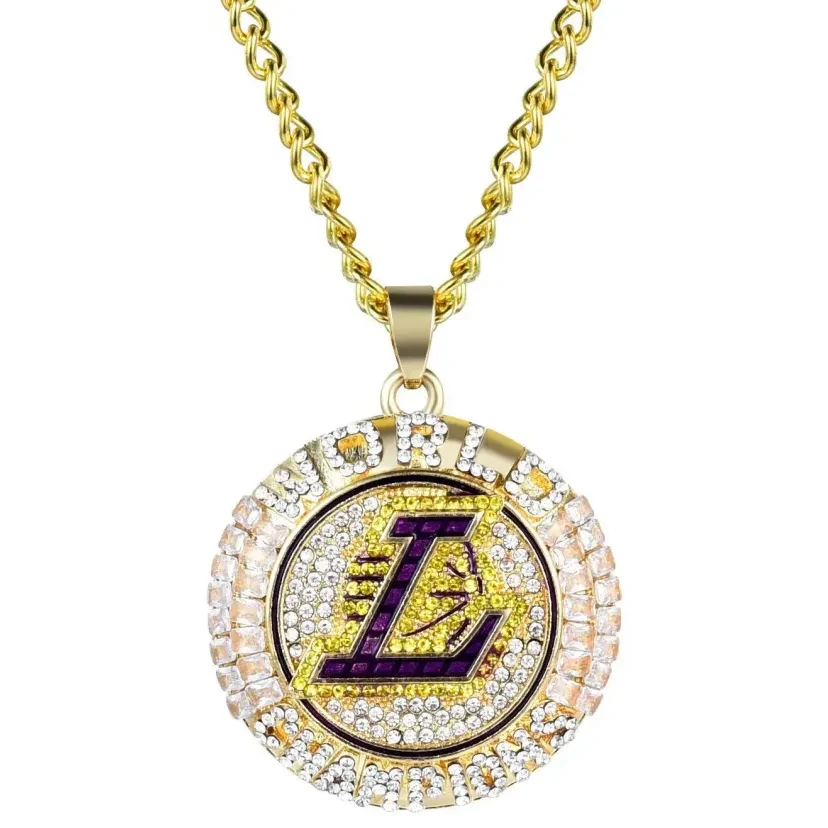
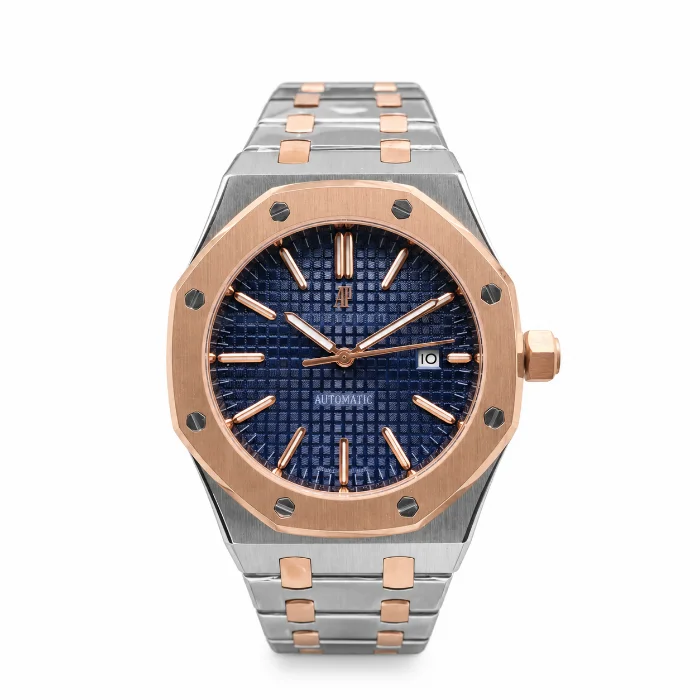
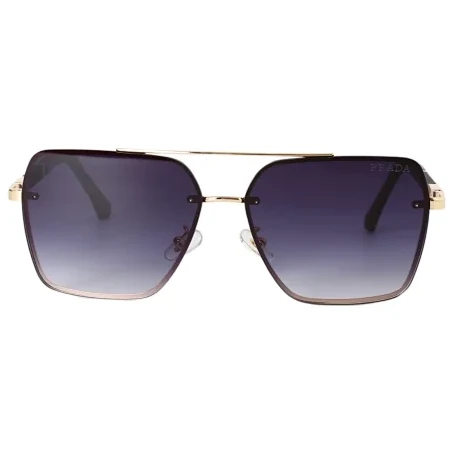
Inspection-led
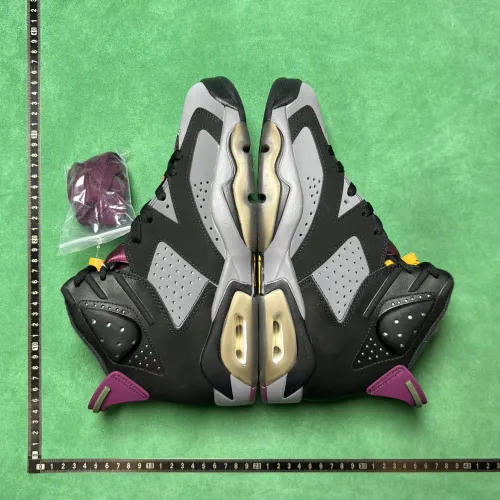
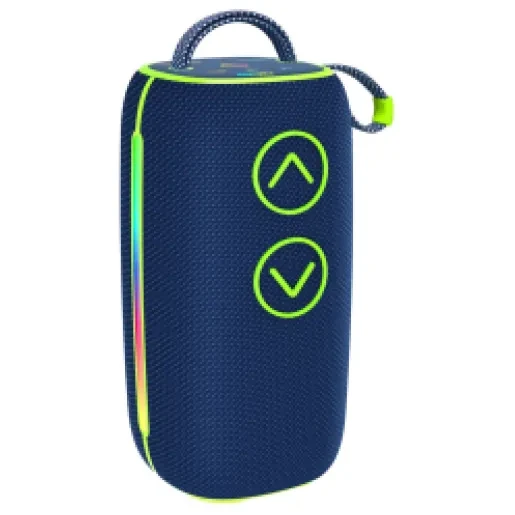
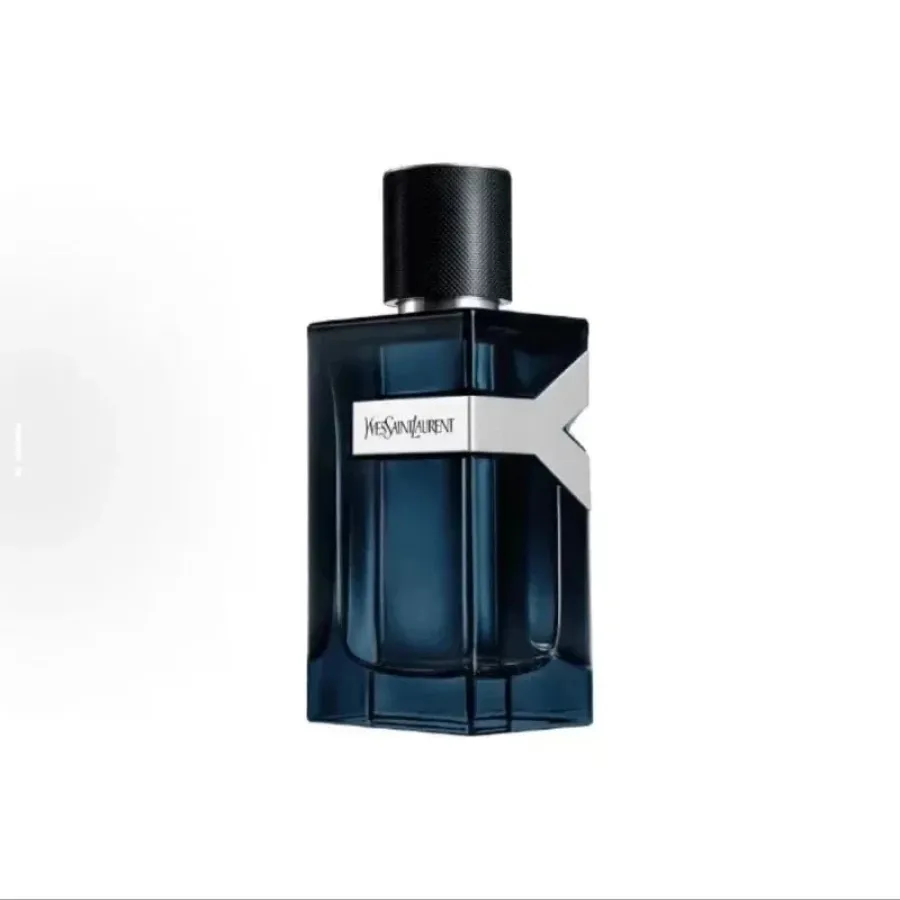
Compatibility / restriction-sensitive
How to use the hub
- Pick the product category.
- Read the category-specific decision cues.
- Open current W2C products.
- Save only a few candidates.
- Move to sizing/QC/shipping guidance when that decision becomes relevant.
Do not browse every category simply because the links are available.
Choose a category by the mistake you are trying to avoid
If the biggest risk is fit, start with Shoes, T-Shirts, Hoodies, Pants or Women and prepare measurements before purchase.
If the biggest risk is visible construction, start with Jackets, Jersey, Bags, Headwear or Shoes QC and decide which angles matter before warehouse arrival.
If the biggest risk is compatibility or route eligibility, start with Electronics, Perfume or Other Stuff and check the current product/route requirements early.
If the biggest risk is small details, start with Watches, Glasses or Accessories and write down the dimensions or components that would make the product unusable if wrong.
This is the logic behind the category hub: the user should know what kind of uncertainty they are entering before they open a product grid.
A category is not a recommendation
A product appearing in a category means it belongs to the browsing set. It does not mean: the seller option is still live, the size will fit, the current price is unchanged, the specific unit will pass QC, every route will accept the item.
Use the category to discover. Use the live product page to verify. Use warehouse evidence to decide. Use the live shipping interface to build the parcel.